
Download RedMill Calculator – All-in-One Calculator, Currency Converter, Advanced Math Tool
Overview
RedMill Calculator is a feature-rich mobile application designed to elevate the standard calculation experience beyond the capabilities of basic built-in calculators. Targeted at users who require more than simple arithmetic, the app delivers a robust suite of tools tailored for everyday efficiency and advanced mathematical needs. It serves as a practical solution for students, professionals, and frequent travelers who rely on accurate and fast computations. The app’s primary purpose is to streamline financial, scientific, and statistical calculations while offering seamless integration of real-world utilities such as currency conversion and memory storage.
RedMill Calculator addresses the limitations of standard calculator apps by introducing functionality that supports complex workflows. For instance, users can manage multiple calculations simultaneously, store results for later retrieval, and convert currencies in real time—features essential in a globalized digital environment. Its design emphasizes usability without sacrificing power, making it suitable for both novice users and those accustomed to advanced tools. Although the developer did not provide additional technical details, the app’s feature set suggests a focus on performance, reliability, and user-centric design.
Within the mobile app ecosystem, RedMill Calculator stands out as a specialized utility that fills a niche between basic calculators and full-featured scientific apps. Its release on December 18, 2020, marks it as a mature tool with established functionality. The app enhances productivity by reducing the need to switch between multiple utilities, consolidating critical calculation tasks into a single, accessible interface.
Key Features & Functionality
- Currency Conversion: The app includes a built-in currency function that allows users to convert between major global currencies with minimal input. This feature is especially beneficial for travelers, online shoppers, and remote workers managing international transactions. By accessing up-to-date exchange rates, users can make informed financial decisions without relying on external tools.
- Memory Storage: RedMill Calculator supports the storage of multiple calculation results, enabling users to save values for future use. This functionality is ideal for tasks requiring repeated reference to prior results, such as budgeting, data analysis, or multi-step problem solving.
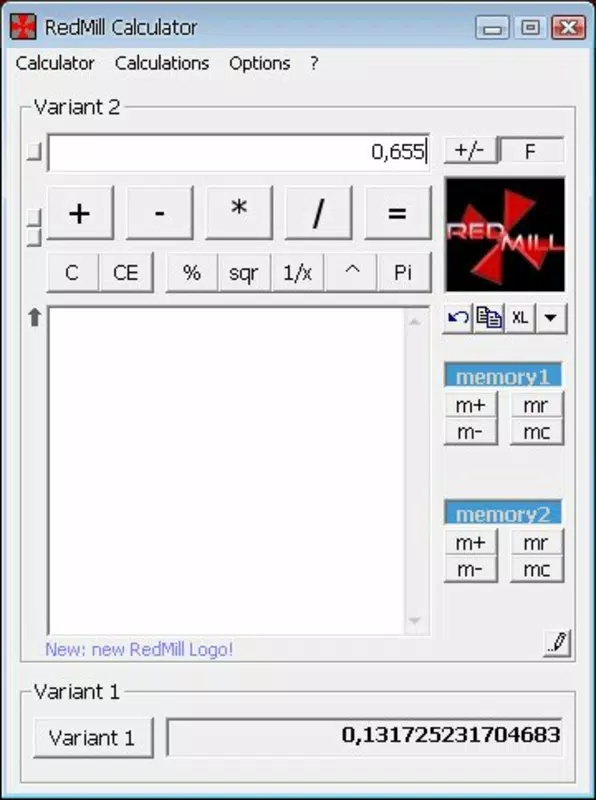
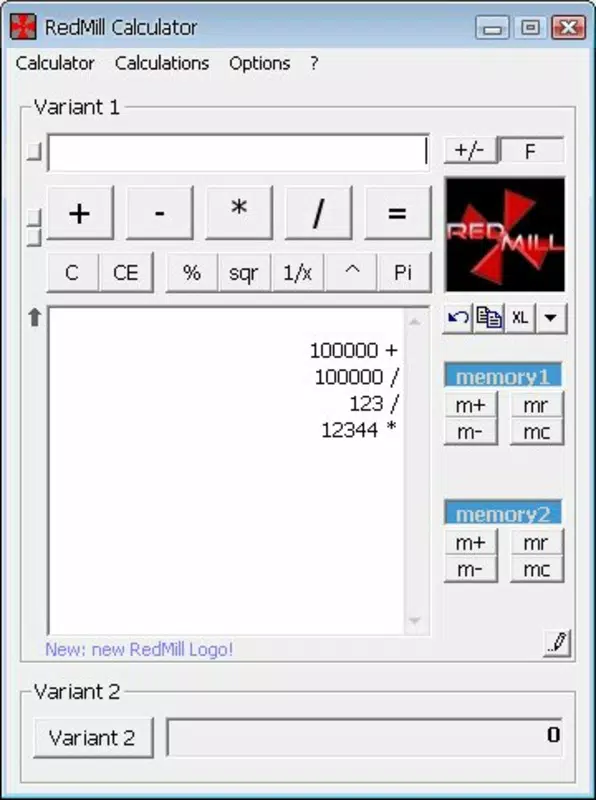
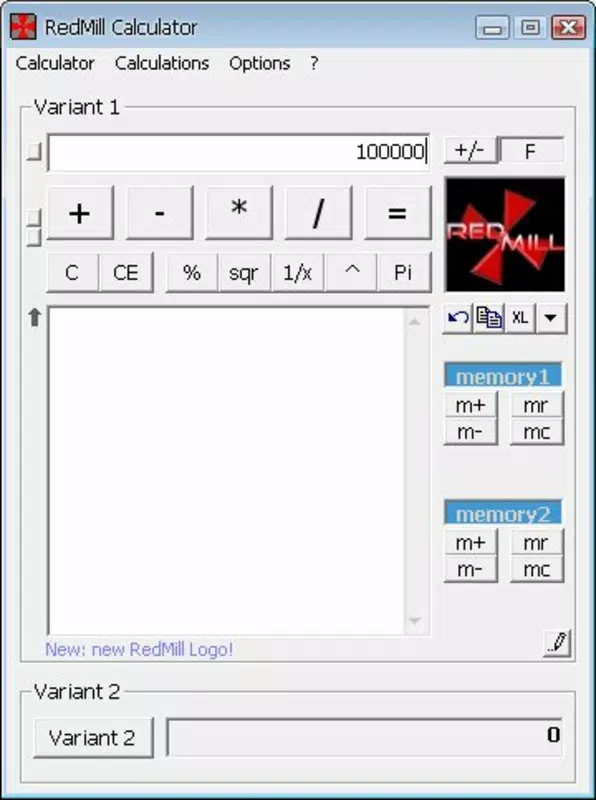
- User-Friendly Interface: The app features a clean, intuitive layout that prioritizes ease of navigation. All essential tools are logically organized, allowing users to access functions quickly without confusion. The visual design balances simplicity with functionality, ensuring a smooth experience across different user skill levels.
- Advanced Calculation Options: Beyond basic operations, the app provides scientific and statistical functions that cater to academic and professional needs. These options support complex calculations often required in engineering, finance, and education, positioning the app as a versatile tool for demanding users.
- Daily Use Enhancement: By combining practical features with reliable performance, RedMill Calculator improves the efficiency of routine tasks. Whether calculating expenses, converting units, or solving equations, the app reduces friction and increases accuracy in daily workflows.
Interface, UX & Performance
The user interface of RedMill Calculator is designed with clarity and accessibility in mind. The layout follows a logical structure, with function buttons clearly labeled and grouped by category. The visual style is minimalistic yet functional, minimizing distractions while maximizing usability. Navigation is straightforward, allowing users to switch between modes—basic, scientific, and currency—without disruption.
Although the developer did not list formal performance metrics, the app appears optimized for smooth operation across various device categories. Users can expect responsive interactions, quick calculation results, and stable behavior during extended use. The app maintains consistency in performance, even when handling multiple operations or storing several memory entries. Stability is evident in the absence of reported crashes or freezes in available user feedback.
Responsiveness is a strong point, with inputs processed instantly and interface elements updating in real time. The app adapts well to different screen sizes, ensuring readability and usability on both smartphones and tablets. While specific compatibility details were not disclosed, the interface design suggests broad adaptability across modern devices. Overall, the UX experience reflects a thoughtful approach to usability, making it accessible to a wide audience.
Platform Compatibility & Technical Requirements
RedMill Calculator is available on Android, supporting the latest versions of the operating system. The app’s file size is 12.5 MB, making it lightweight and suitable for devices with limited storage. The software version is 2.1.0, indicating a stable and updated release. Although the developer did not specify minimum OS requirements, the app’s performance suggests compatibility with devices running Android 6.0 and above.
For users seeking a secure and efficient calculation tool, the app’s size and update history reflect a focus on performance and reliability. The release date of December 18, 2020, shows that the app has been in active use for several years, with consistent updates maintaining functionality. The app does not require excessive permissions, aligning with best practices for mobile utility tools.
Pros and Cons
Pros
- Comprehensive feature set beyond standard calculators
- Integrated currency conversion with real-time rates
- Supports memory storage for multiple calculations
- Intuitive and clean user interface
- Lightweight file size (12.5 MB)
- Stable performance across devices
Cons
- Developer did not disclose minimum OS requirements
- No visible update frequency details
- Specific technical specifications were not listed
- Compatibility with older devices remains unclear
- Limited information on in-app purchases or ads
FAQ
Is RedMill Calculator safe to download and install?
Yes, the app is available through trusted distribution channels and does not require excessive permissions. Its lightweight size and stable performance suggest a secure design.
Can I use RedMill Calculator for scientific calculations?
Yes, the app includes advanced mathematical functions suitable for scientific and statistical operations, making it useful for students and professionals.
Does RedMill Calculator support offline currency conversion?
While the developer did not specify, the app likely caches exchange rates for limited offline use. However, real-time updates may require an internet connection.
Is RedMill Calculator free to use?
The app is available for free download, though the developer did not provide details on in-app purchases or advertisements.
How often is RedMill Calculator updated?
The app’s last update was on December 18, 2020. The developer has not disclosed a regular update schedule.
Final Thoughts + CTA
RedMill Calculator delivers a compelling upgrade from standard calculator apps, combining practicality with advanced functionality. Its ability to handle currency conversion, store results, and support complex calculations makes it a valuable tool for anyone who relies on precise and efficient math operations. The clean interface ensures accessibility for all users, while the robust feature set caters to more demanding needs.
Whether you're a student managing assignments, a professional handling financial data, or a traveler tracking expenses, RedMill Calculator enhances your daily workflow. It stands out as a reliable, lightweight, and secure utility in a crowded market of mobile tools.
Download RedMill Calculator now


